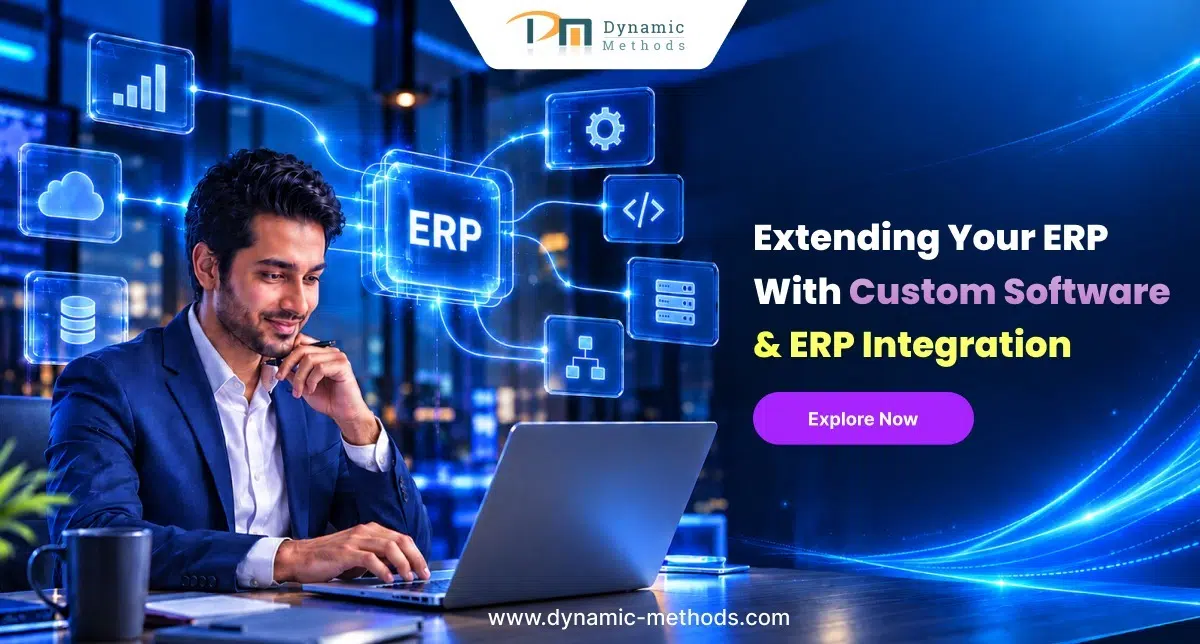
Most businesses do not set out to outgrow their ERP. It just happens. One year the ERP handles everything fine. Two years later, three departments have built their own spreadsheets on the side because the system cannot keep up. Sales need better numbers. The warehouse needs stock counts that are actually true. Finance wants reports that match how the business really runs, not how it ran five years ago. Custom software and ERP integration services solve this problem without a full rebuild. They stretch the ERP you already have so it fits the business you have now, not the one you started with.
Why Does Your ERP Need to Grow With Your Business?
Most ERP systems do a solid job on day one. They cover the basics: orders, stock, invoices, and payroll. Fine for a company with one product line and a handful of staff.
Then the business changes. New products arrive. New markets open up. New teams join. Each one adds a small gap between what the ERP does and what the business actually needs. On its own, one gap seems small. String ten together and staff lose half their week to workarounds instead of the software itself.
That is usually the moment a business starts to look at extension work rather than a full replacement. Nobody wants to sit through a year-long rebuild just to fix three annoying gaps.
How Do Businesses Add New Features to Their ERP?
Custom ERP software development builds tools around your actual rules, not a generic template someone wrote for a different industry. A haulage firm might need a live delivery tracker built straight into the ERP screen. A retailer might need a returns module that follows their exact refund policy, not a default one.
Nobody has to learn a second system. That is the whole point. A developer sits with the team first, watches how they work, then builds the tool that closes the gap so it fits inside the ERP they already use every day.
How Do Businesses Connect Their ERP to Other Systems?
ERP system integration is the bit that links your ERP to the other software the business already runs, things like accounting tools, an online shop, or a support desk. Once connected, figures move between them on their own. Nobody retypes a number from one screen into another.
Firms often bring in specialist ERP integration services for this stage, because a safe link between two systems needs careful groundwork. Someone has to map which field goes where and test the connection before it goes live. Get it right, and every team looks at the same numbers, which sounds small until you remember how many arguments start because two reports disagree.
What Role Do APIs Play in Modern ERP Setups?
An API is just a set of rules that lets two pieces of software swap data without a person who copies it by hand. ERP API integration uses this to connect the ERP to outside platforms through one steady structure, rather than a new manual export every time a new tool joins the mix.
The payoff is speed. Stock counts, orders, and customer records stay current everywhere at once. You will not find out on Tuesday that a product sold out on Friday.
How Can Tailored Tools Close ERP Gaps?
Off-the-shelf ERP software covers the common cases well. It rarely covers the odd one, the rule that only applies to your business. Custom software for ERP fills that specific gap: a quote calculator built for how a manufacturer actually prices a job, or an appointment system built around how one clinic actually runs its diary.
These additions live inside the ERP rather than next to it. Staff open one system, not three. The software reads like it was built for the business, because it was.
How Does Adjusting ERP Screens Change Daily Work?
ERP customization changes the screens, fields, and permissions so the system matches how each team actually works, rather than how the software vendor assumed they would work. Finance might need an extra approval step before a big invoice goes out. Sales might just want fewer boxes to fill in so an order takes thirty seconds, not five minutes.
None of this touches the core of the ERP. It reshapes the bits people use most, which cuts clicks and cuts mistakes at the same time.
How Does Automation Cut Down Manual Tasks?
Workflow automation takes the repetitive steps out of the day-to-day grind. Instead of a person who checks stock levels every morning, the ERP watches them and flags a problem the moment it appears. Instead of someone who raises an invoice by hand, it goes out the second a job closes.
A few examples of what this looks like in practice:
- Purchase orders route themselves to the right approver
- Low stock sets off an alert with no one stuck at a screen
- Invoices get created the moment a job finishes
- Reports land in an inbox on schedule, and nobody has to chase them
None of this is complicated once it is set up. The value is in the hours it gives back. Staff spend that time on decisions that actually need a human, not on entering a computer, which can do faster and without a mistake.
What Value Do Larger Business Applications Add?
Enterprise application development covers bigger tools that sit across the whole business rather than one ERP screen. Think of a single portal that pulls sales, warehouse, and finance data into one view, so nobody has to open four systems just to answer one question.
These tools support the kind of decisions that matter at the board level. A manager can see the full picture in one place, rather than piece together separate reports the night before a meeting.
What Should a Business Check Before Starting an ERP Project?
Before any of this starts, write down what actually hurts. Slow reporting. Data entered twice. Two systems that refuse to talk to each other. A clear list beats a vague brief every time, and it gives a developer something real to solve rather than a guess.
Data quality matters just as much. Integration work depends on clean, consistent records, so a quick tidy-up before the project begins tends to save weeks later. Messy data at the start almost always means a longer project and more surprises along the way. Duplicate customer records, old price lists, and half-filled fields cause far more delay than most people expect, and they cost far less to fix now than they do once the new setup is live.
How Do Businesses Measure the Success of ERP Changes?
Success looks different from one business to the next, but a few signs tend to repeat. Less time on manual entry. Fewer reporting errors. Faster access to figures that people can actually trust.
A short review a few weeks after launch catches anything that still needs a tweak. Small fixes at this stage often add as much value as the original build, because that is when the real gaps show up, not during testing.
Why Do Businesses Prefer to Extend Rather Than Replace Their ERP?
A full ERP replacement eats months of planning, staff retraining, and budget most businesses would rather spend somewhere else. Extension avoids most of that pain. The core system stays put. So does the data inside it.
Staff keep working with software they already understand, so there is no steep learning curve on day one of a brand new platform. That single fact makes extension the more sensible route for most businesses, and it protects years of historical data that finance and planning teams rely on every quarter.
How Do Businesses Choose the Right Integration Partner?
Start with experience on your specific ERP platform, not just software skills in general. Ask what they have actually finished, not just what they can technically do. A partner for ERP integration services should also communicate clearly and finish work without the project dragging on for months past the deadline.
Firms such as Dynamic Methods work across both custom software and ERP integration, which gives a useful reference point for how development and integration sit together in practice, rather than as two separate contracts with two separate teams. Alongside that integration work, most projects also draw on ERP integration, custom software development, and API integration as the core services that hold the whole setup together.
How Do Development and Integration Work Together?
Custom ERP software development and ERP system integration work best as a pair, not as two separate projects run by two separate suppliers. Custom features fix specific problems inside the ERP. Integration connects the ERP to everything else the business depends on outside it.
ERP API integration, custom software for ERP, and ERP customization each play their own part in this picture, and workflow automation ties the whole thing together so information moves on its own rather than through a person who pushes it from one screen to the next by hand. Add enterprise application development to the mix, and a basic ERP will turn into a system genuinely built around the business, not the other way round.
Conclusion
A full ERP rebuild is rarely the answer. Custom development, sensible integration, and honest ERP integration services let a business keep the ERP it already knows while it gains the tools, connections, and automation that match how it actually works today. Businesses that go this route, including those who look at examples like Dynamic Methods to see how development and integration sit together, tend to end up with a system that grows alongside them rather than one that holds them back a year later. The right combination of custom work and integration keeps an ERP useful for years, not just until the next budget review. Get the basics right early, keep the data clean, and the ERP stops being a source of frustration and starts to feel like a proper tool again.
Frequently Asked Questions
1. Do I need to replace my ERP to add new features?
No. Most businesses bolt custom modules or integrations onto the ERP they already have rather than starting again from nothing.
2. How long does an ERP integration project usually take?
It depends on how many systems are involved, though most projects run somewhere between a few weeks and a few months.
3. Can small businesses benefit from custom development work on their ERP?
Yes. Even a small team gains from tools built around their exact process rather than a generic feature nobody quite uses.
4. What sets an ERP adjustment apart from an ERP connection?
An adjustment changes how the ERP itself looks and behaves. A connection links the ERP to other software the business already relies on.
5. Will automated workflows work with my existing ERP setup?
Most modern ERP platforms support automation rules already, so this usually slots into the current setup without a major overhaul.


 INDIA OFFICE
 CANADA OFFICE